

Instagram Audit: How to Audit Any Profile for Free
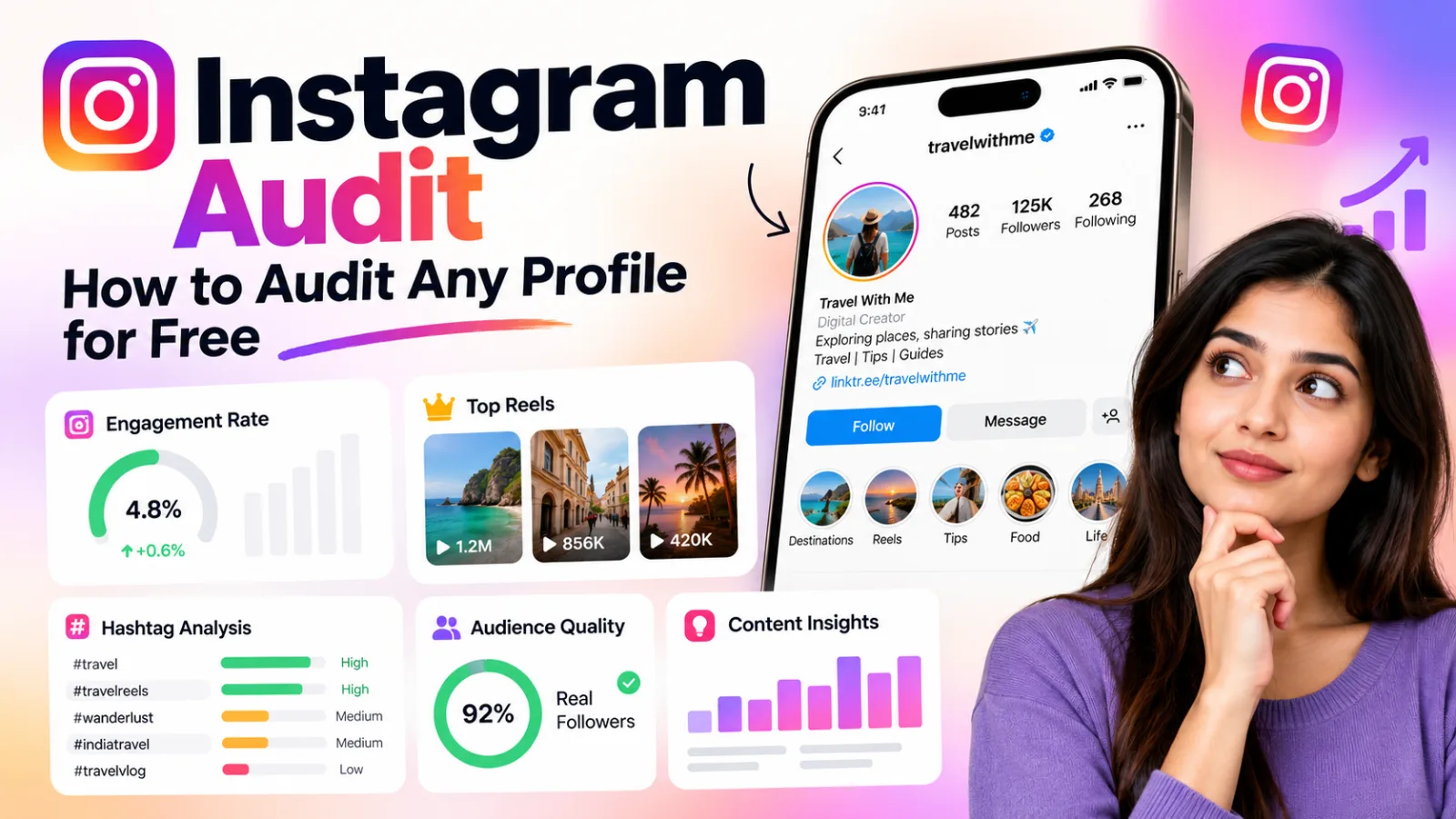
Learn how to perform an Instagram audit for free. Check engagement, top Reels, hashtags, audience quality, and ways to improve your profile.
Instagram Audit: How to Audit Any Profile for Free
An Instagram audit helps you understand what is working on your profile, what needs improvement, and how you can make better content decisions. Whether you are a creator, influencer, small business owner, or social media manager, reviewing your Instagram account regularly can help you build a more effective strategy.
You do not need to rely on follower count alone. Engagement, top-performing Reels, captions, hashtags, profile presentation, and audience quality can all provide useful insights.
With Pixtale Growth, you can analyze public Instagram accounts without connecting your Instagram login and explore available account insights and content research.
What Is an Instagram Audit?
An Instagram audit is a review of an Instagram account to evaluate its profile, content, engagement, and overall performance. The purpose is to identify strengths, spot opportunities, and decide what to improve next.
A useful Instagram profile audit looks at questions such as:
Does the bio clearly explain what the account offers?
Which posts and Reels receive comparatively strong engagement?
What content topics appear to work well?
Are captions and hashtags relevant to the content?
Does the account appear to attract an audience interested in its niche?
What can you learn from similar public accounts?
An audit is useful for personal creators and businesses alike. Agencies and freelance social media managers can also use account analysis to support client reporting and content planning.
Why Should You Audit Your Instagram Profile?
Posting regularly does not automatically mean your Instagram strategy is working. An audit helps you review your current approach before investing more time in content creation.
Understand content performance
Review your stronger posts and Reels to discover which topics, formats, and hooks may be worth testing again.
Improve your profile
A clear bio, relevant profile picture, and consistent content help visitors understand your account.
Review engagement
Likes and comments provide visible signals of audience interaction. Comparing them with follower count can help you understand how people respond to your content.
Find new content ideas
Studying popular Reels and competitor accounts can reveal topics and formats you may not have explored.
Make better client recommendations
Agencies can use public account insights to support discussions about content strategy and performance.
How to Perform a Free Instagram Audit
1. Review Your Instagram Profile
Start with your username, display name, profile picture, bio, and profile link. A new visitor should quickly understand who you are, what you publish, and why they might want to follow you.
For example, a travel creator in Jaipur could explain that they share Rajasthan travel guides, budget trips, or weekend itineraries. A vague bio gives visitors less information about what they can expect.
Check whether your bio communicates a clear purpose. Make sure your profile link is relevant and your recent posts match the audience you want to attract.
2. Check Your Instagram Engagement Rate
Follower count alone does not tell you how actively people respond to an account. Engagement rate offers another way to evaluate public interactions in relation to follower count.
A commonly used formula is:
Engagement Rate = (Likes + Comments) ÷ Followers × 100
For example, if a post receives 200 likes and 20 comments on an account with 5,000 followers, the calculation is:
(200 + 20) ÷ 5,000 × 100 = 4.4%
This is an illustrative example, not a performance benchmark. For a more representative review, compare several recent posts rather than judging an account from one successful post.
You can use the Instagram Engagement Rate Calculator to calculate a rate using available numbers.
Remember that engagement varies by niche, audience size, content format, and other factors. Public account analysis cannot reveal private metrics such as reach, impressions, saves, or profile visits.
3. Identify Your Best-Performing Posts and Reels
Review which posts and Reels have received comparatively strong public engagement or views. Look for patterns instead of copying a single successful post.
Ask yourself:
Which topics appear repeatedly among your stronger posts?
Do tutorials, demonstrations, personal stories, or list-based videos perform well?
What happens in the opening seconds of successful Reels?
Do the captions explain the topic clearly?
Are there useful questions or discussions in the comments?
Use these observations to plan experiments for your next posts. A popular Reel can provide inspiration, but recreating it will not guarantee the same results for another account.
For topic-based research, explore Pixtale Reel Research. You can investigate popular Reels and study available views, hooks, captions, hashtags, and content patterns.
4. Review Your Hashtags and Captions
Hashtags and captions should help communicate the subject of a post. During an Instagram audit, check whether your hashtags are relevant and whether your captions give viewers a clear reason to watch, read, or respond.
A food creator, for example, could use relevant recipe and cuisine terms instead of filling every caption with unrelated popular hashtags. A travel business could use location-specific terms when they genuinely match the destination.
Review the hashtags used on stronger posts and compare them with those on weaker posts. Treat this as a way to form ideas for future tests, not proof that a particular hashtag caused a post to perform well.
Also, check whether your captions have a clear structure. Long captions can work when they provide useful information, while short captions may be more suitable for other formats. Choose the approach that fits the content and audience.
5. Check Audience Quality Indicators
A large follower count does not necessarily mean an account has an active or relevant audience. When reviewing an influencer or potential collaborator, consider engagement patterns, comment relevance, and whether the content fits your target audience.
The Instagram Fake Follower Checker can help you review estimated audience-quality indicators.
These tools provide estimates, not definitive proof that specific followers are fake. Do not label an influencer or competitor as fraudulent based on one score. Consider multiple signals and remember that public data cannot establish the identity or intentions of every follower.
For businesses planning influencer partnerships, it is especially important to review content relevance and audience fit alongside visible engagement.
6. Compare Competitor Instagram Accounts
Choose two or three public Instagram accounts that serve a similar audience. They might be direct competitors, creators in your niche, or brands with a content style you want to understand.
Compare their content themes, posting formats, visible engagement, top Reels, captions, and hashtags.
Look for answers to these questions:
Which topics do competitors cover frequently?
Which content formats appear among their stronger posts?
What questions do people ask in the comments?
Are there useful topics your account has not covered?
How can you explain similar topics from your own perspective?
The purpose is to discover opportunities for your own content, not to duplicate another account. Your experience, expertise, and point of view should remain distinct.
7. Turn Your Findings Into an Action Plan
An audit is useful only when it leads to practical next steps. Summarize your findings and choose a small number of changes to test.
Your action plan might include:
Rewriting a bio that does not clearly explain your content or service.
Creating more content around topics that have shown promising results.
Testing different opening hooks and caption structures for Reels.
Removing irrelevant hashtags from your content approach.
Reviewing audience-quality signals before making influencer partnership decisions.
Repeating the audit later and comparing the available data.
Avoid changing everything at once. Testing a few improvements at a time makes it easier to understand what may be helping.
How Pixtale Growth Helps With an Instagram Audit
Manually reviewing posts, comparing competitors, and organizing findings can take time, especially when you manage several accounts. Pixtale Growth brings public Instagram analysis and Reel research into one workflow.
Instagram account analysis
Review available engagement data, top posts and Reels, hashtags, and other account insights without connecting your Instagram login.
Reel Research
Explore Reels by topic and study available views, hooks, captions, hashtags, and content patterns. Visit Pixtale Reel Research to explore content ideas.
Audience-quality indicators
Review estimated fake-follower signals as one part of a wider assessment. Treat them as indicators rather than definitive proof.
AI Growth Coach
Get content and growth recommendations based on supported account insights.
Agency reporting
Agencies and freelancers can explore client reporting options through Pixtale Growth for Agencies.
Start with the available free tools. If you manage multiple client accounts, visit the Pixtale Growth pricing page to explore the available plans.
Final Thoughts
A regular Instagram audit helps you move from guessing to making more informed content decisions. Review your profile, engagement, top posts and Reels, hashtags, audience-quality signals, and competitors. Then turn your findings into a short, practical action plan.
You do not need to change everything overnight. Start with the areas that matter most to your goals and review your progress over time.
To get started, explore the Instagram Profile Audit tool. Use available public account insights to identify areas worth reviewing and plan your next improvements.
FAQ
How can I audit an Instagram account for free?
Review the profile bio, recent posts and Reels, visible engagement, captions, hashtags, and audience-quality indicators. You can use Pixtale Growth to analyze available public account data without connecting your Instagram login.
What should an Instagram audit include?
A practical audit should cover profile presentation, engagement, top-performing content, hashtags, captions, audience-quality signals, and relevant competitors. Finish with a short list of improvements to test.
Can I audit someone else's Instagram profile?
You can review available public information from another Instagram account. Private information and account-owner-only metrics are not available through a public profile audit.
Does a free Instagram audit accurately identify fake followers?
Tools can provide estimated audience-quality or fake-follower indicators, but they cannot prove the exact number of fake followers. Treat these estimates as one signal and consider other evidence before making decisions.
Check any Instagram account free
AI rating, niche, engagement rate and top posts for any public profile. No login.
Analyse an account